The Free Peoples
Bring the Ring-bearers through Mordor to Mount Doom and destroy the One Ring before its corruption takes them — or turn the war around and take the Shadow’s strongholds by force of arms.
Free · Open source · Beta
Play War of the Ring, the board game (Second Edition), online with a friend, with all three expansions. One of you guides the Fellowship and the free nations of Middle-earth, the other commands the armies of Sauron and Saruman. Every decision is saved, so a game can take an evening or a few weeks.
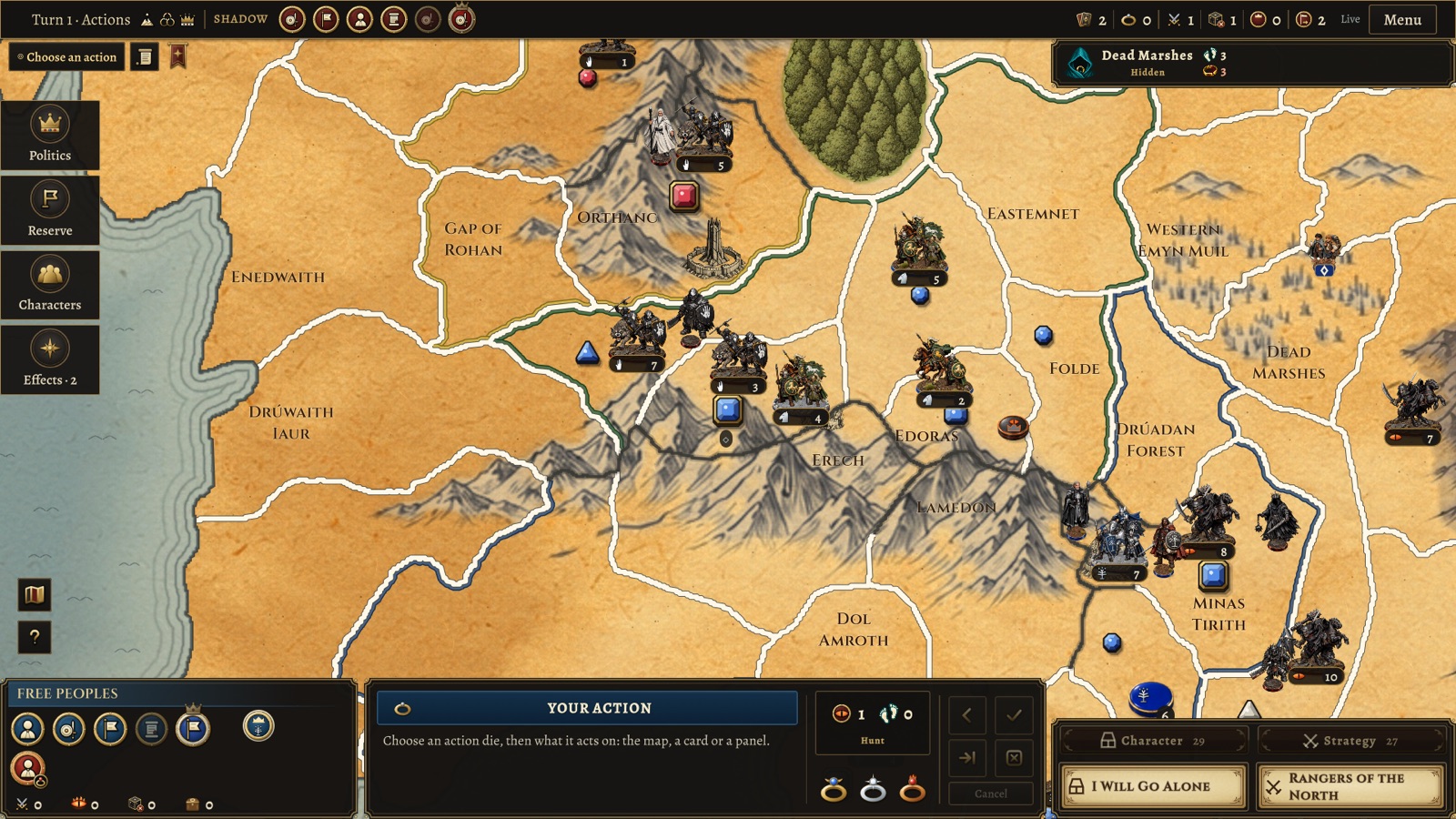
War of the Ring is a strategy board game for two players set in J.R.R. Tolkien’s The Lord of the Rings. Action dice decide what each side can do in a turn: muster and move armies, play event cards, bring heroes into play — or move the Fellowship one step closer to Mount Doom while the Shadow hunts it.
Bring the Ring-bearers through Mordor to Mount Doom and destroy the One Ring before its corruption takes them — or turn the war around and take the Shadow’s strongholds by force of arms.
Conquer the cities and strongholds of the free nations, or hunt the Fellowship until the Ring-bearers fall to its corruption. Every die you spend on the Hunt is a die your armies cannot use.
Play the base game, or add any of the three expansions when you set up a table, alone or together. The server applies each expansion’s rules, and the game shows its characters, dice and cards on the board. Like the base game, each expansion is a paid board game from Ares Games.
Elrond and Galadriel bring the Elven Rings Narya, Nenya and Vilya into the war. The Shadow answers with Gothmog, the Balrog and new versions of its Minions, and Sméagol can join the Fellowship. With new Event cards, and the Council of Rivendell variant, in which the Free Peoples choose alternative Companions.
Five Sovereigns, Brand, Dáin, Denethor, Théoden and Thranduil, can be Awakened as Companions or Corrupted by the Shadow. Ruler dice and Ruler tokens add new choices, and Dark Chieftains such as the Black Serpent and Uglúk join the Shadow’s armies. With new Event cards and the Dismay and Removing Ruler Tokens variants.
The war in the North changes: Erebor begins in Sauron’s hands and the Dwarves are active from the start, with Gimli the Dwarven Lord among them. Retaking the Lonely Mountain is worth two points. With new cards and the New Cities variant.
Every move is validated by the game server, which also rolls the dice. Hidden information stays hidden: you never see your opponent’s hand.
Play in one sitting or a move a day. Each decision is saved on the server, so you can close the game and continue later on any of your computers.
Choose on the map, the dice and the panels: click a region, a figure, a portrait or a card. Figures behave like miniatures: click one to lift it or drag it onto a lit target. Every character ability has its own icon, and one click uses it. The game lights up what you can do right now and explains it.
Their moves play on the board step by step: the die they spend, armies marching, attacking and capturing, cards played and the Hunt. One click skips ahead, and the same view works for observers and replays.
Find game pairs you with a player whose choices fit yours: the expansions, your side and the pace. Every move has a time limit, each player has three pauses, and a ranked game is played to its end. Your rating follows the result, and the Leaderboards show the top 25.
A small picture stands beside your name in chat, at the table and when a ranked opponent is presented. Every account starts with a soldier of a nation drawn at random, and on your account page you can choose another one.
See the open tables and who is online, talk in the chat, and right-click a player’s name to send a challenge. When they accept, a private game opens.
Invite a friend with a table code and agree on the setup together. Friends can watch as observers; in the board’s chat they read everyone, while players only read each other.
Save a finished game, watch it again move by move, and export it to share it.
A demo against a simple computer opponent lets you learn the board before you invite anyone.
Install once: the game downloads new versions by itself and can repair its installation.
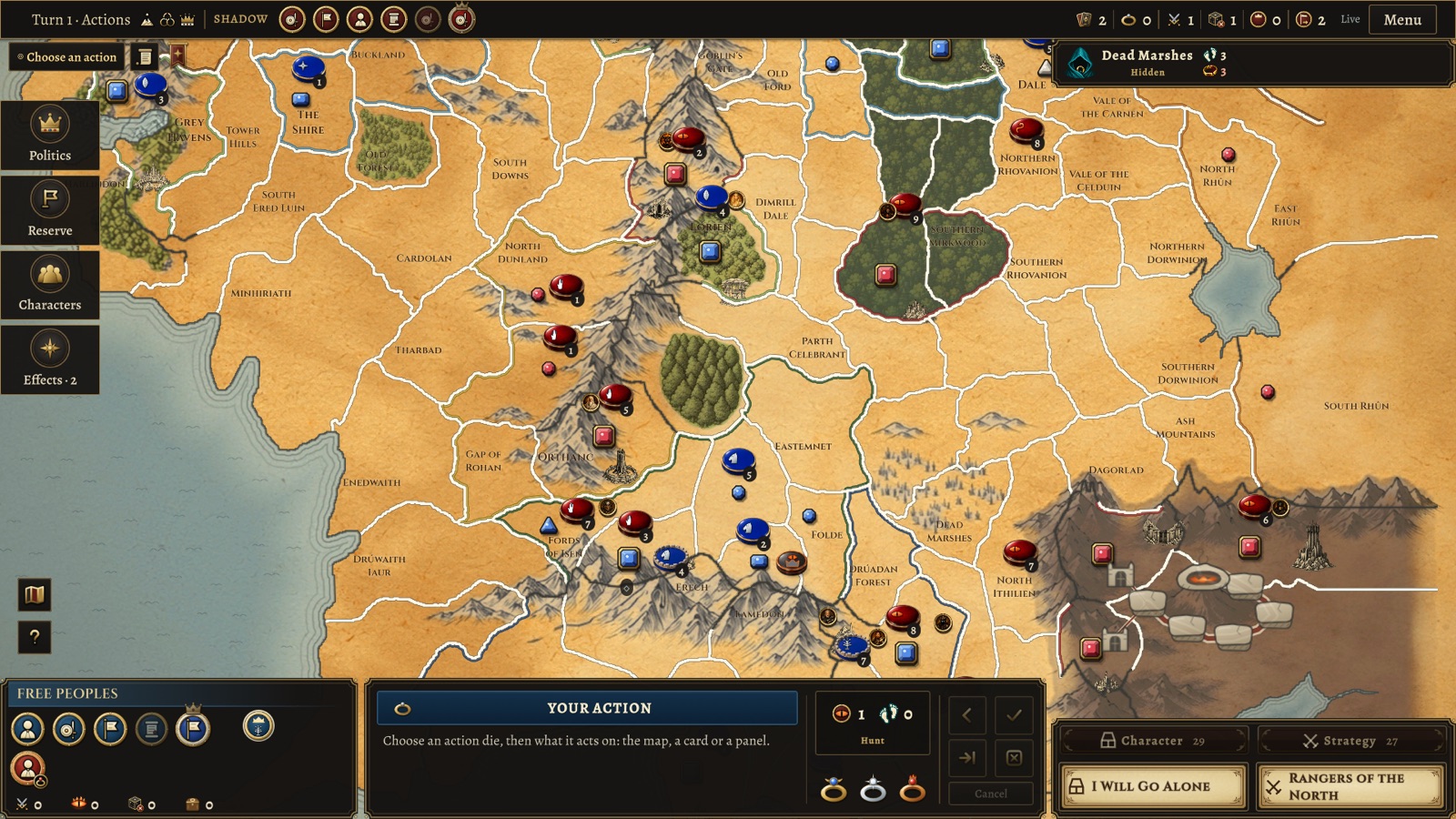
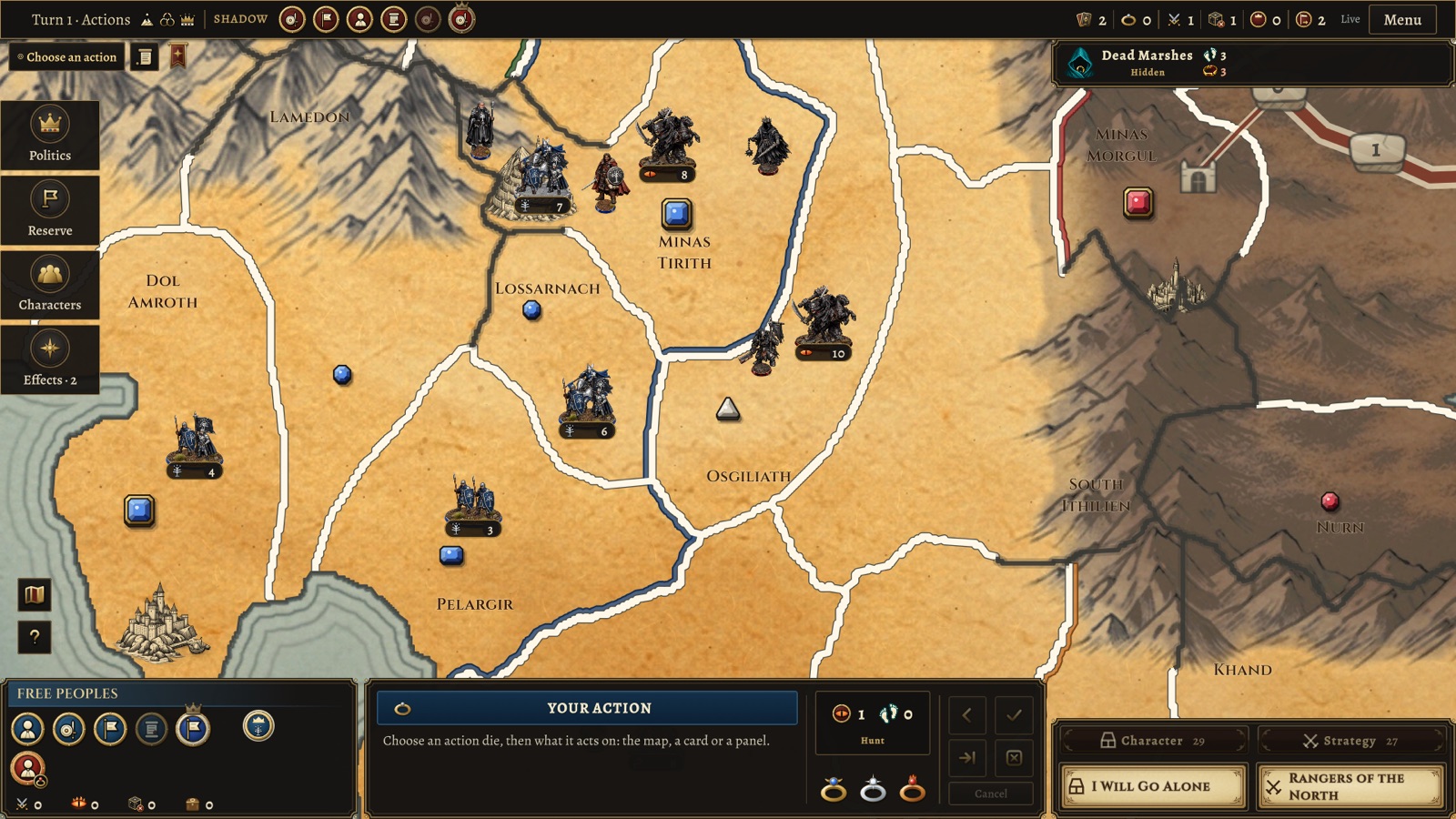
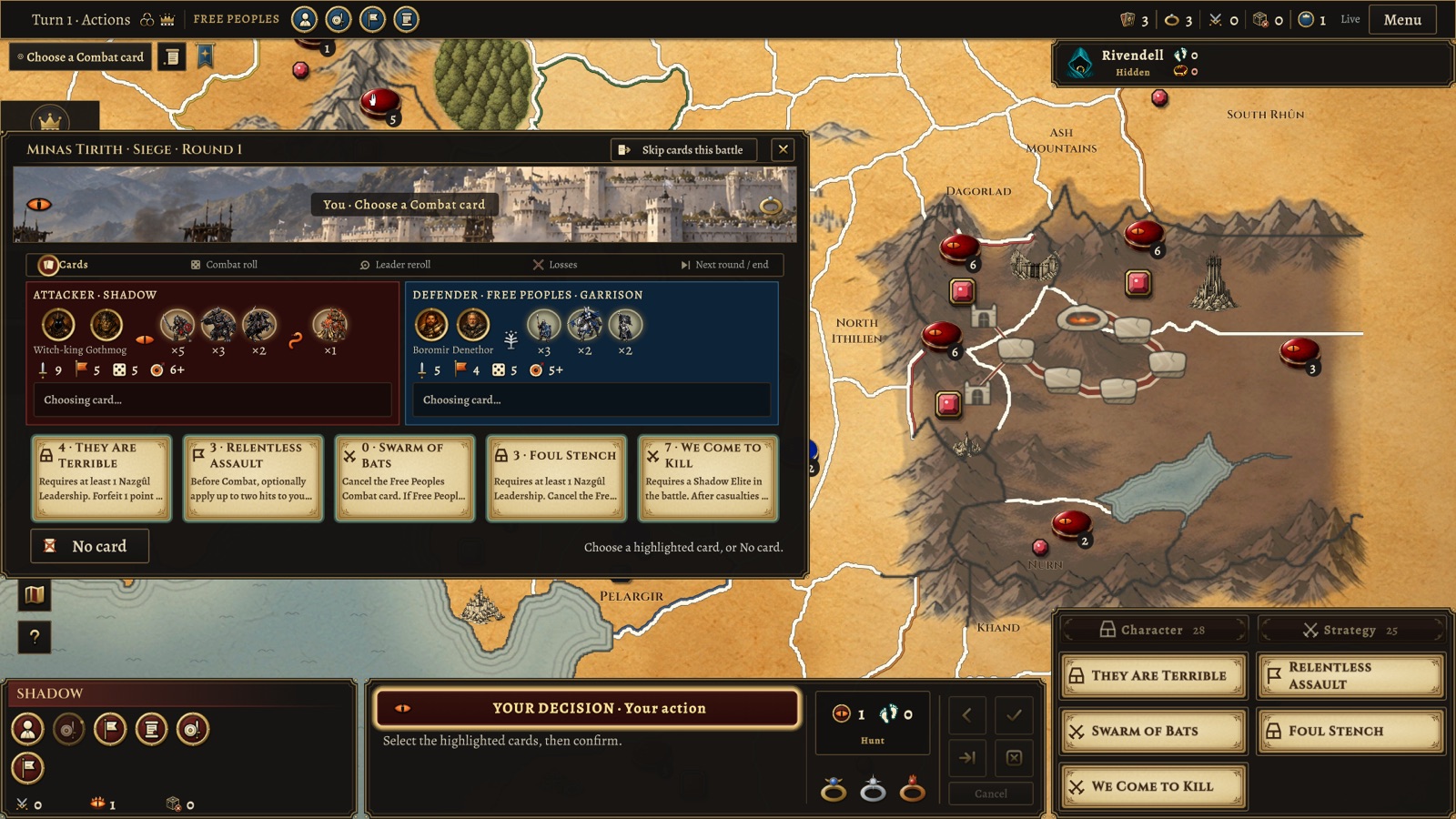
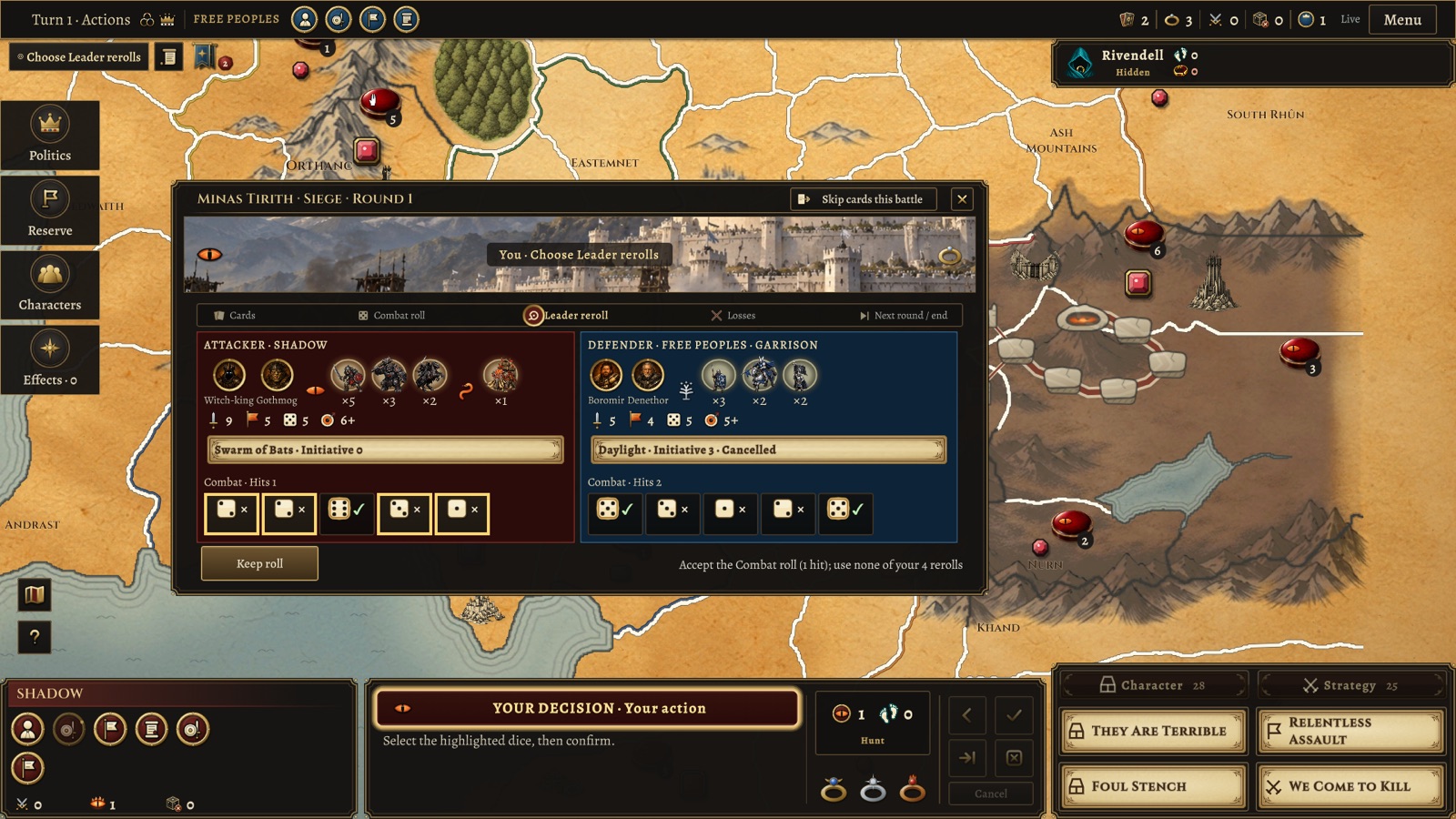
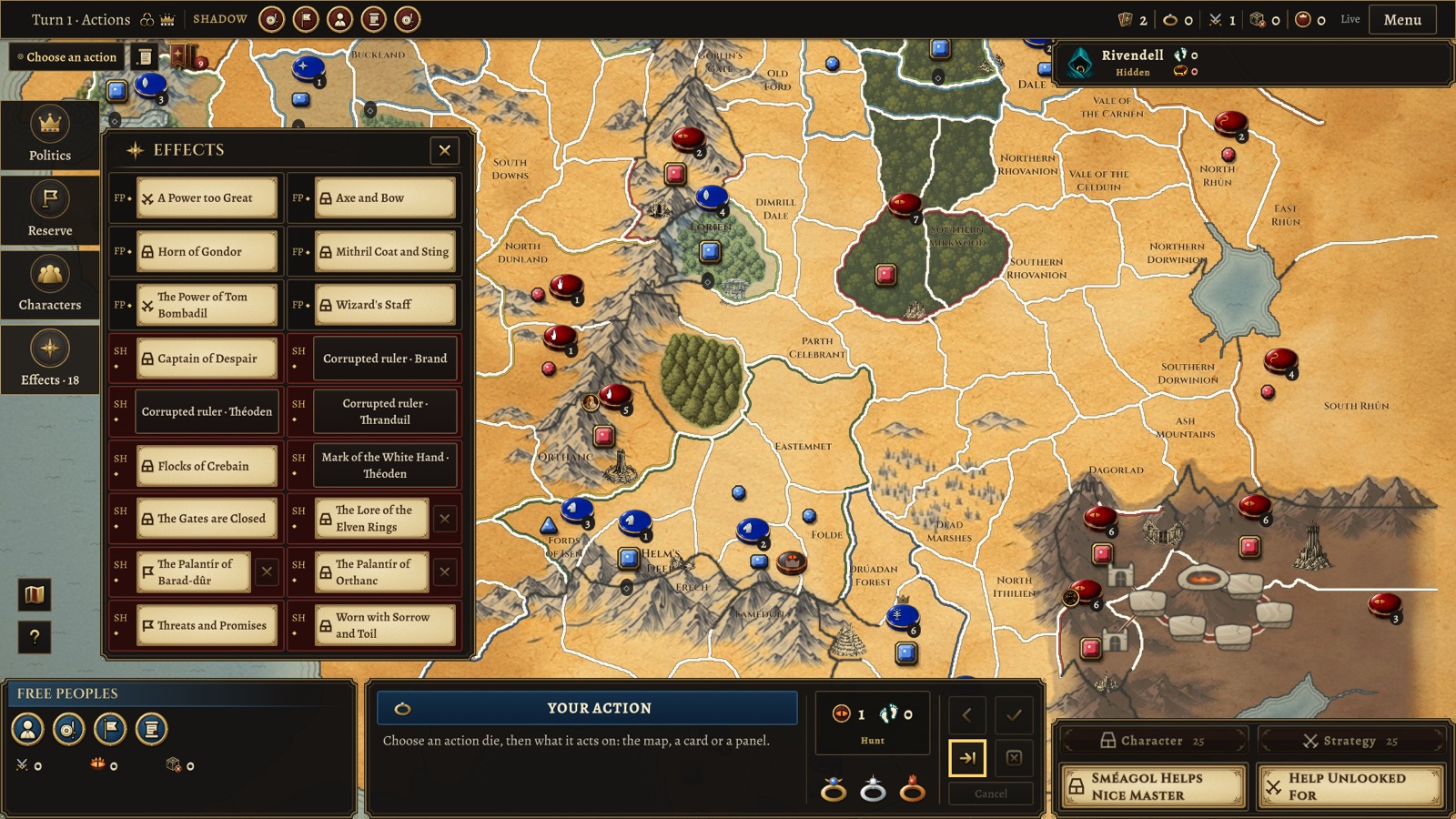
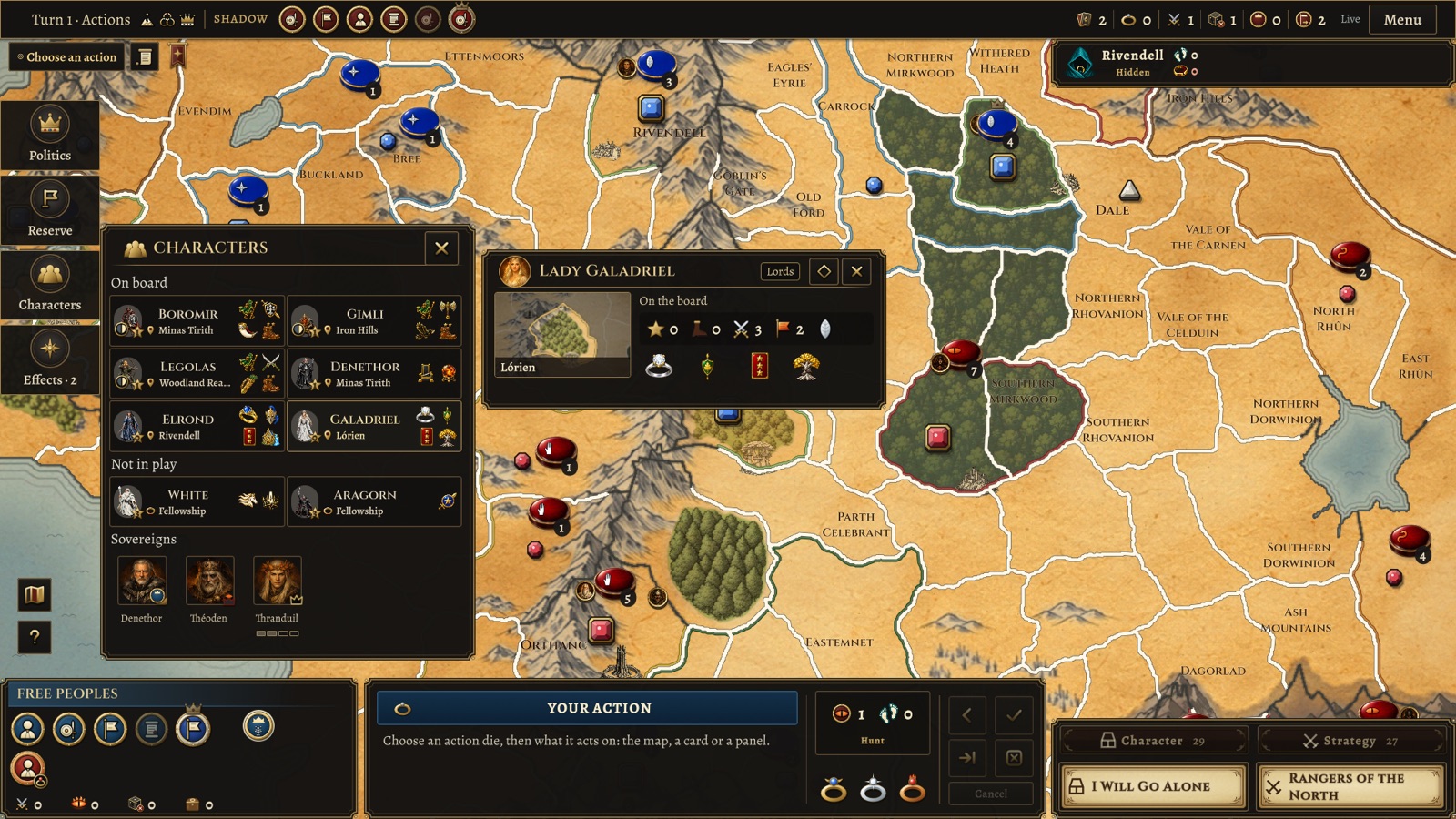
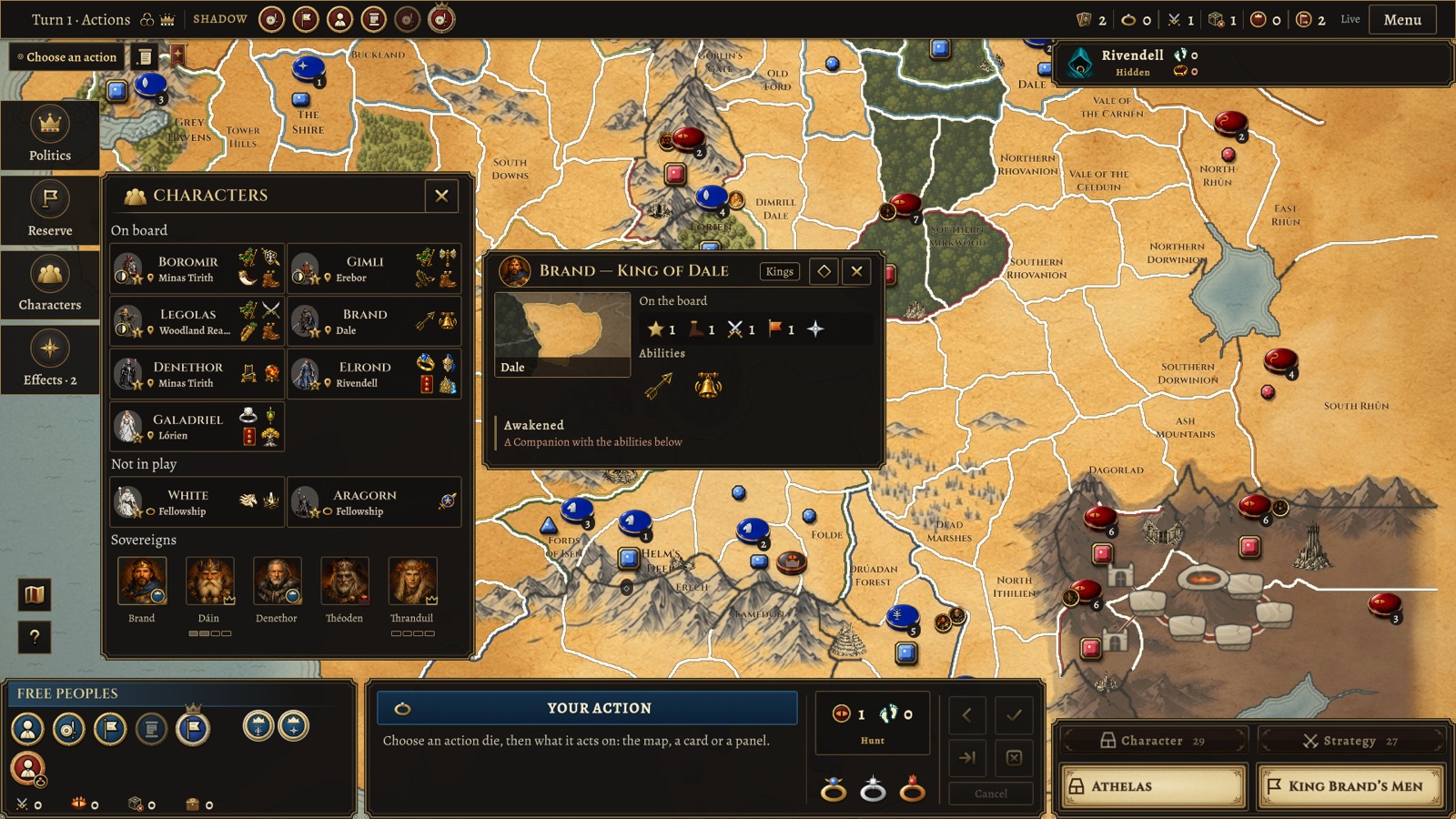
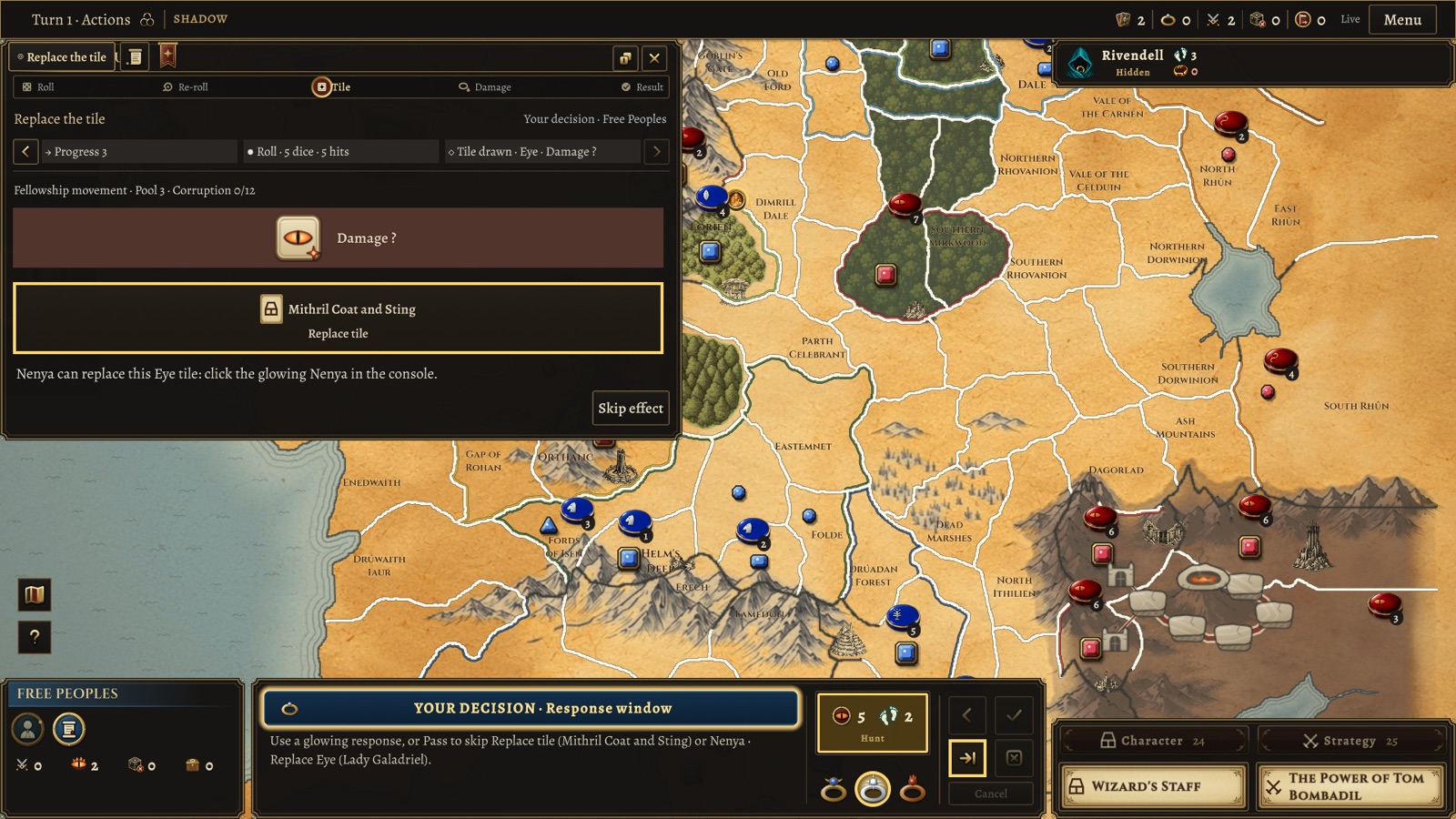
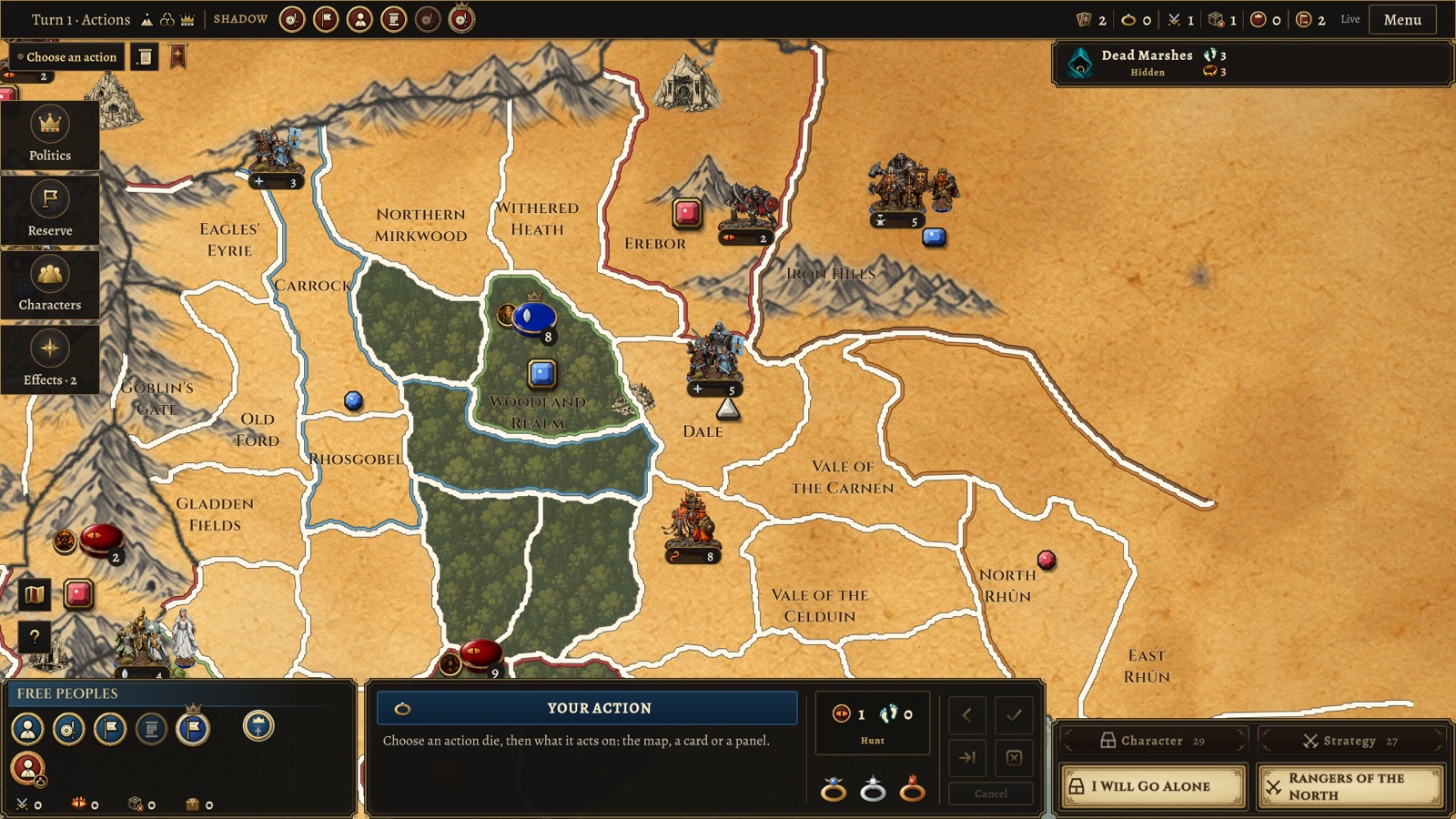
The artwork is provisional and will keep improving.
Checking the latest version…
What's new in each version.
The Linux version (also for Steam Deck) is experimental: please tell us what does not work. The installers are not signed yet, so your system asks you to confirm them — see below.
.pkg file. The installer is not signed by Apple yet, so macOS says it
cannot check it. Click Done.WotrOnline-…-win-Setup.exe. If your browser asks about the file, choose
Keep..AppImage file in a folder of your own, for example ~/Applications:
updates replace this file.chmod +x WotrOnline-*.AppImage.fuse3 package. The game updates itself in place.The whole project is free and open source under the MIT license. Read the code, report a problem or follow the development on GitHub.
War of the Ring is a board game designed by Roberto Di Meglio, Marco Maggi and Francesco Nepitello, with art by John Howe, created, published and distributed worldwide by Ares Games, who also publish its expansions Lords of Middle-earth, Kings of Middle-earth and The Fate of Erebor. The base game and each expansion are paid products, sold by Ares Games and game stores. This online version is free and open source; it exists thanks to their work and with great respect for it. If you enjoy it, please buy the board game and its expansions from Ares Games or your local game store.